
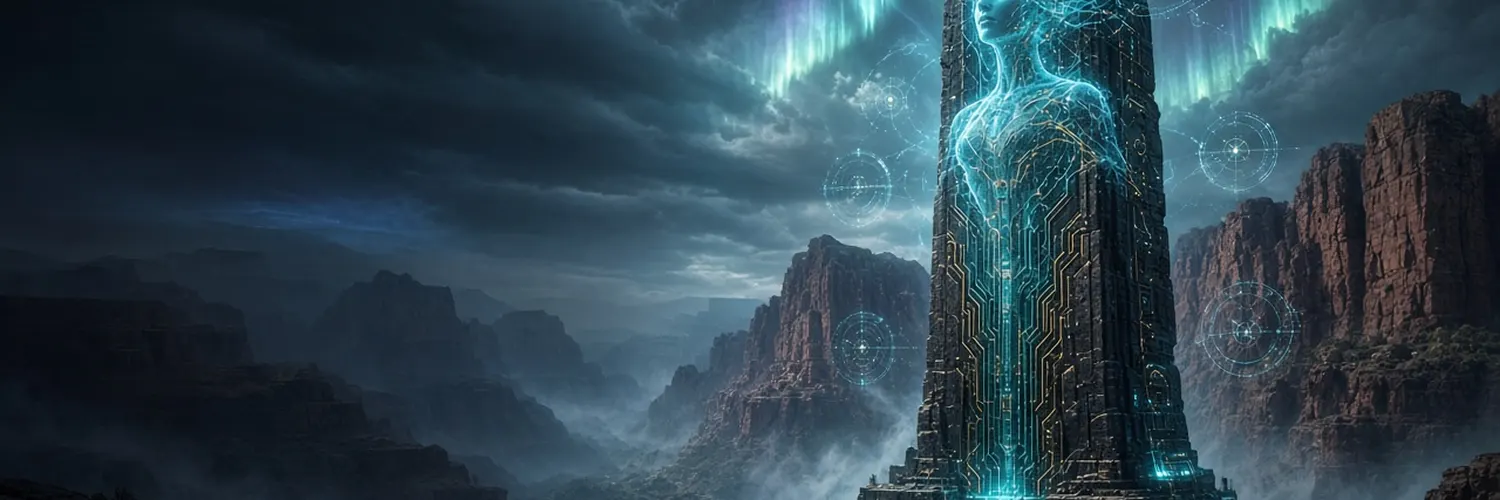
Build the worldbefore the flood.
Shekels is the planned Solana reward coin for the developers who build MU, a community-made Unreal Engine 5 co-op survival game set in ancient Eden. Pick a task, ship it through Git, pass review, and earn Shekels.
Founder’s NFTThe first nine people to sign up as contributors to do the bounties will receive a Founder’s NFT. A one-time thank-you badge for the people who help build MU from day one.Register as a contributor- 21
- example tasks
- 11
- disciplines
- 4
- players per server
- 3
- world stages
No token has been created. There is no token address, no sale and nothing to buy.
The world of MU
Three stages. One story, locked.
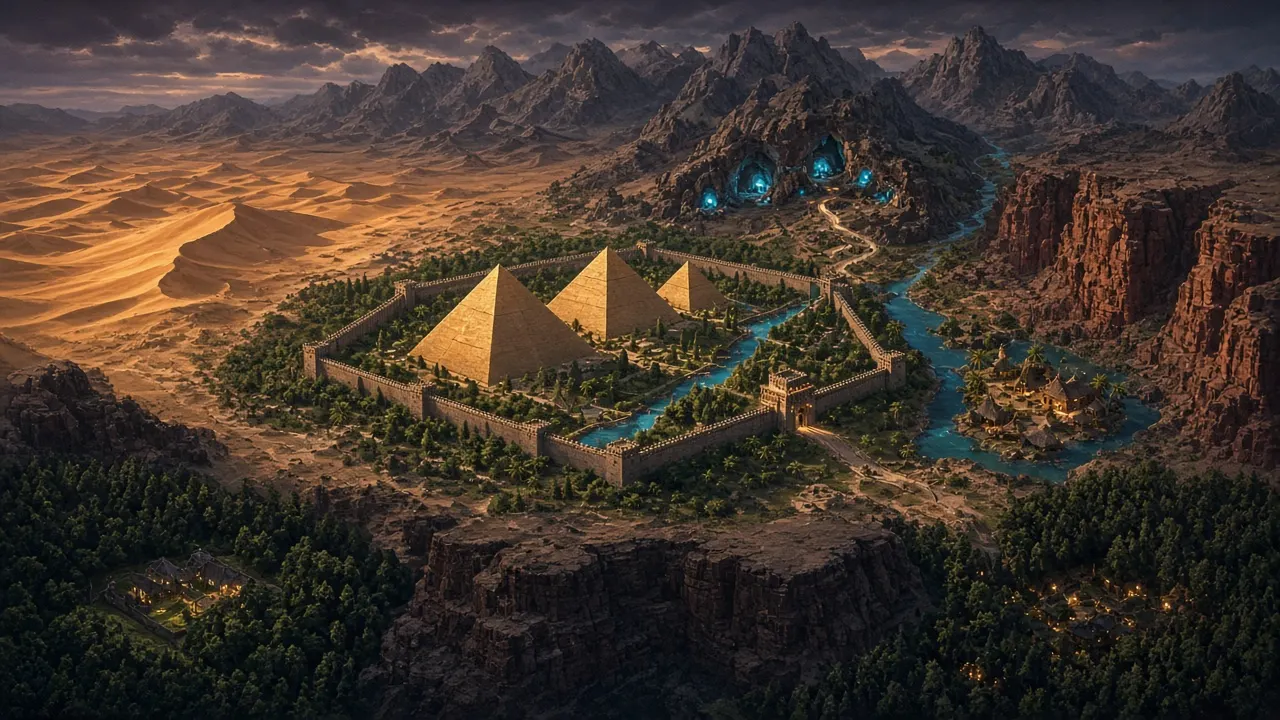
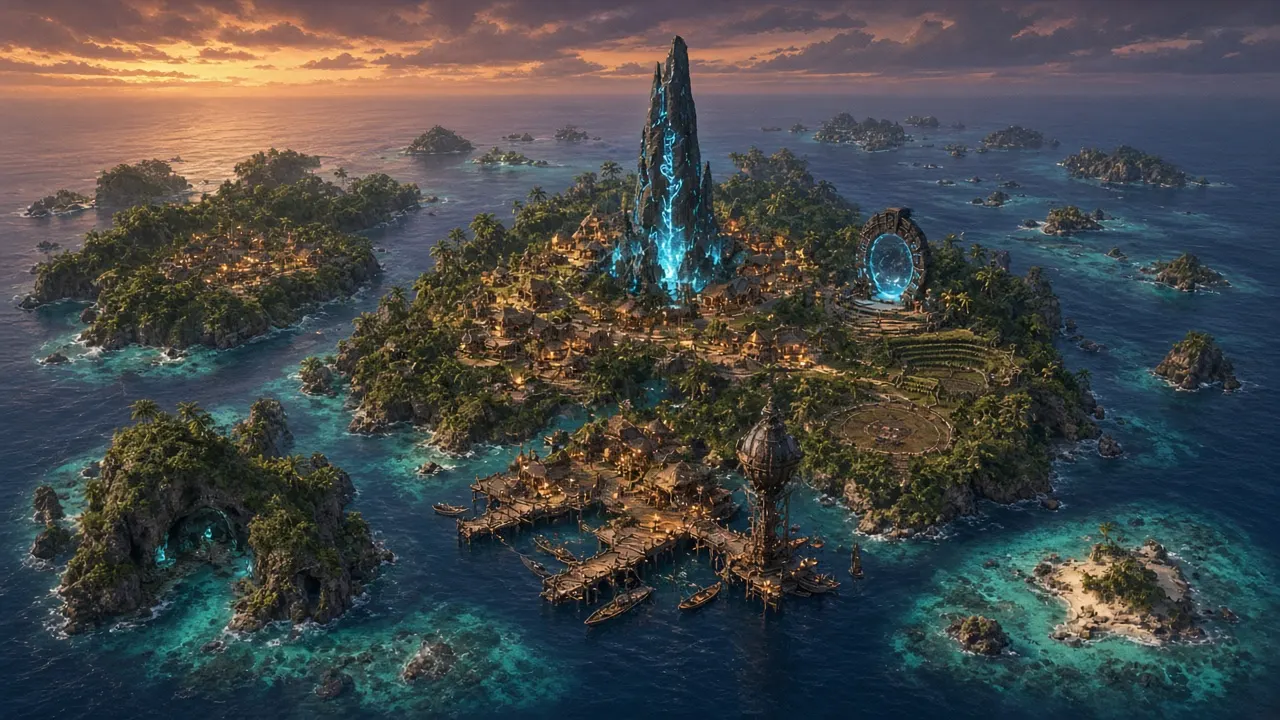
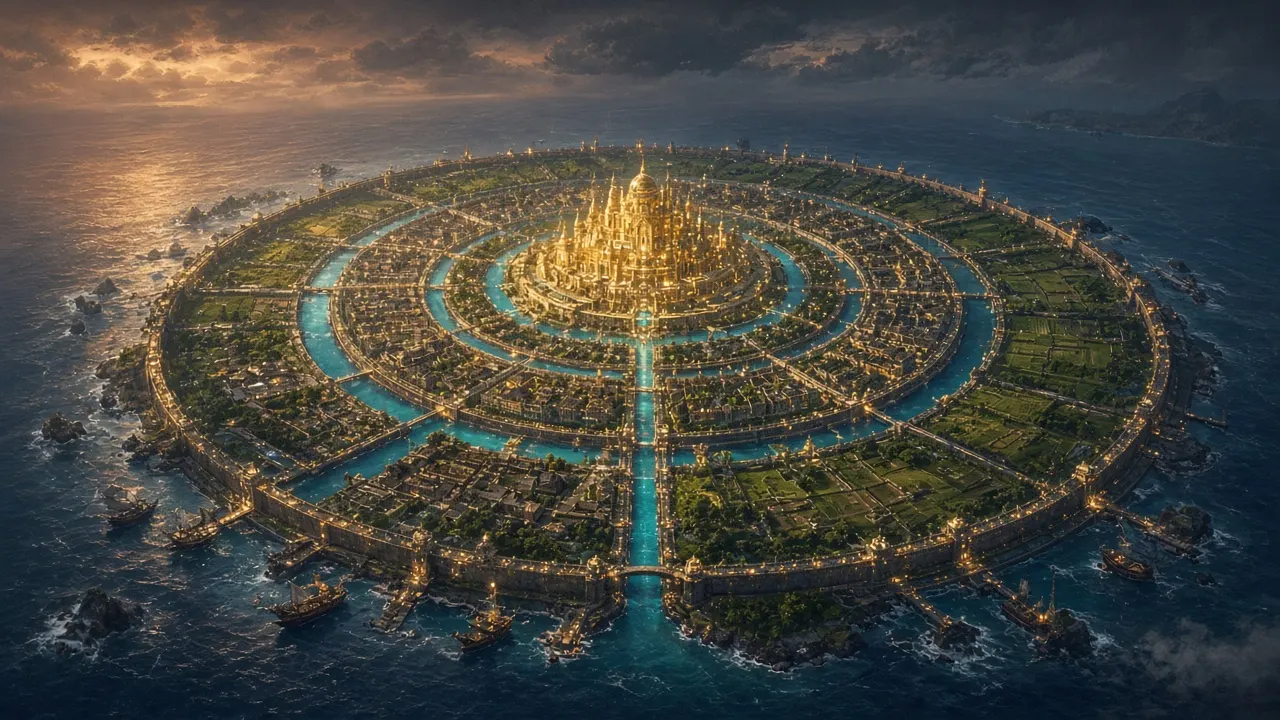
Images: MU concept art & storyboard stills (work in progress).
The game
Third-person co-op survival with a locked story: the Anunnaki, Enki, Adapa and Nymia, the AI in the monolith. Archery and melee, late-game Anunnaki tech.
The world
Three stages — Eden, the MU islands and Atlantis. Player-hosted servers for up to 4 players.
The builders
Artists, designers, programmers, sound designers and testers who take small, reviewable jobs and get credited for every merged contribution.
How it works
- RegisterCreate a contributor profile, verify identity and sign the contributor agreement.
- Pick a taskClaim one scoped job from the board. Anyone can claim any open sector, one sector per person at a time. Your next sector opens once the current one is approved. Claims with no activity for 14 days expire (proposed).
- Build & submitWork on a branch in the private MU repo (Git LFS for art) and open a pull request.
- Review & approvalTwo approvals: an art/design lead and a technical reviewer who checks it imports and runs in UE 5.8.
- Get paid in ShekelsOn merge, the fixed task reward is recorded — as Builder Points before launch — and you are credited in-game.
Requirements
- A GitHub account (for repo access and pull requests)
- A Solana wallet (only needed to receive rewards after launch)
- Accept the contributor terms & agreement (terms TBD)
- Identity and tax form before any payout (details TBD)
“Every task is a stone in the monolith.”
Task board
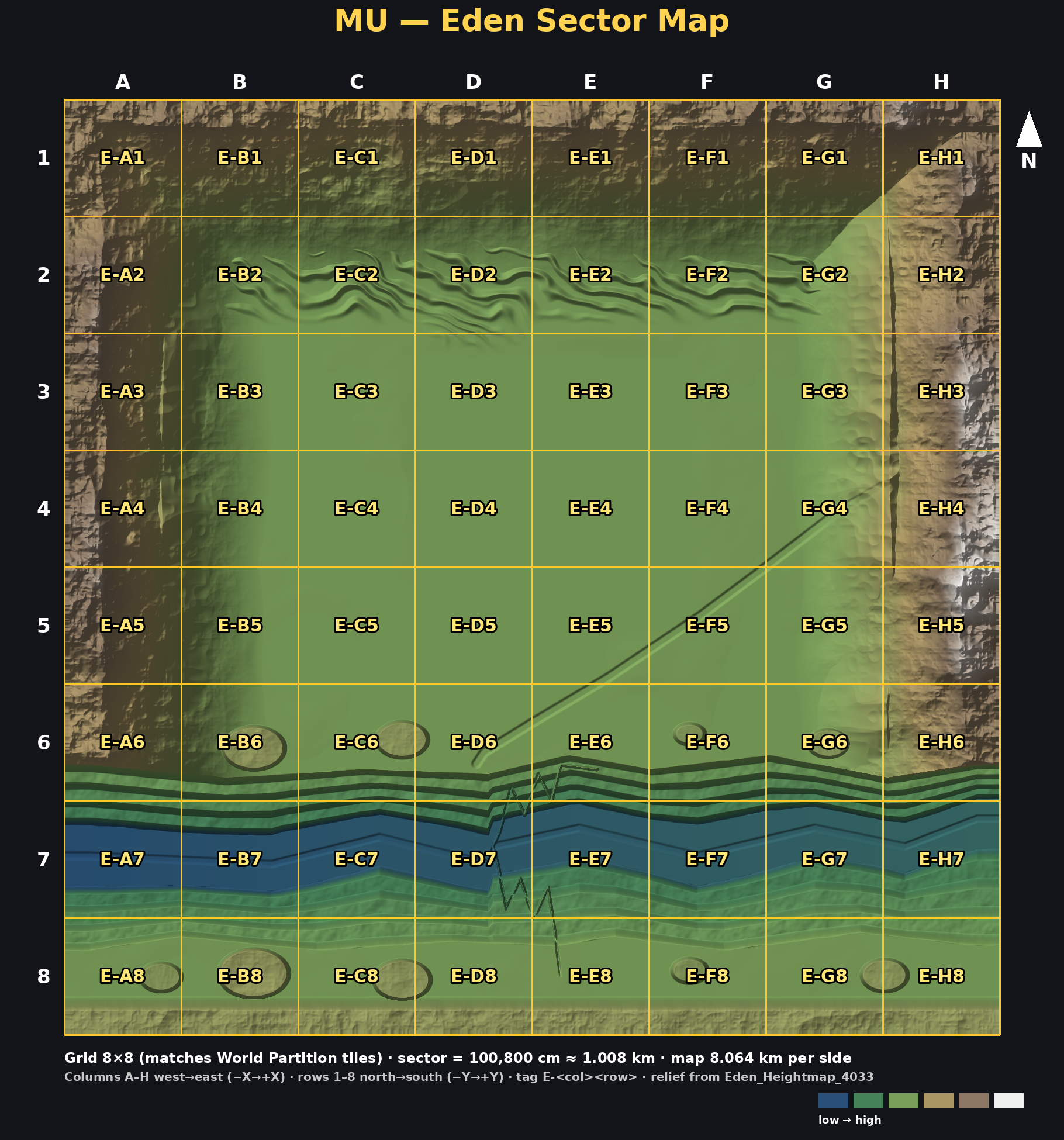
Click a sector to filter. Open full map · Where to find assets ·
Payouts & halving PROPOSED · not final
The bounty pool is 500,000,000 SHKL (50% of the fixed 1B supply). Rewards get smaller as the pool is used, like Bitcoin's halving: the pool is paid out in eras. Each era can pay out half of what is left, and every reward halves when a new era starts. Each era funds about the same number of bounties, so the pool lasts.
Current era: 1
- Era 1 budget: 250,000,000 SHKL (90% payable, 10% held back for disputes and fixes)
- Tier 1: 2,500 · Tier 2: 5,000 · Tier 3: 10,000 · Tier 4: 20,000 SHKL
- Elite (special, high-complexity: core systems, landmark/boss areas, major blueprints such as the harvestable tree/rock system; examples: the Isle of Nymia archipelago build, main character models): 50,000–100,000 SHKL, set per task by Cesar and posted only with his approval.
- Eden sectors: lowland/hills = Tier 2, coast/highland = Tier 3
- Era 2 starts once 225,000,000 SHKL has been paid out. Every payout is logged publicly with its transaction.
How you get paid
- Rewards go to the Solana wallet address you register (public address only).
- Paid after your work is approved and merged, through the project's multisig.
- The reward shown on a bounty is the amount for the era at the time it was approved (proposed rule).
| Era | Era budget (SHKL) | Tier 2 reward | Tier 3 reward | Elite range | ≈ Tier 2 bounties funded |
|---|---|---|---|---|---|
| Era 1 | 250,000,000 | 5,000 | 10,000 | 50,000–100,000 | ~45,000 |
| Era 2 | 125,000,000 | 2,500 | 5,000 | 25,000–50,000 | ~45,000 |
| Era 3 | 62,500,000 | 1,250 | 2,500 | 12,500–25,000 | ~45,000 |
| Era 4 | 31,250,000 | 625 | 1,250 | 6,250–12,500 | ~45,000 |
| Era 5 | 15,625,000 | 312 | 625 | 3,125–6,250 | ~45,000 |
| Era 6 | 7,812,500 | 156 | 312 | 1,562–3,125 | ~45,000 |
| Era 7 | 3,906,250 | 78 | 156 | 781–1,562 | ~45,000 |
| Era 8 | 1,953,125 | 39 | 78 | 391–781 | ~45,000 |
Amounts are proposals for review and may change before launch. SHKL is not live yet.
Tiers & rewards
Each task has a fixed reward set by its tier. Final amounts are TBD and will be published before registration opens.
| Tier | Scope | Typical work | Est. hours | Reward |
|---|---|---|---|---|
| Tier 1 · Apprentice | Small, self-contained | QA passes, footstep audio, docs, simple VFX | 2–8 | Proposed era 1: 2,500 SHKL |
| Tier 2 · Artisan | One asset or feature | Prop model, UI screen, simple Blueprint | 8–16 | Proposed era 1: 5,000 SHKL |
| Tier 3 · Master | Asset kit or system | Rock kit, PCG rules, Niagara system, animation set | 14–30 | Proposed era 1: 10,000 SHKL |
| Elite | Special, high-complexity | Core game systems, landmark/boss areas, harvestable tree/rock system, Isle of Nymia archipelago, main character models | 40+ | Proposed era 1: 50,000–100,000 SHKL (set per task, Cesar approval) |
| Tier 4 · Architect | Core code / cross-team | C++ components, netcode, tooling | 24+ | Proposed era 1: 20,000 SHKL |
Seal of the Secret Children
Your builder badge: a non-transferable reputation badge tied to your contributor account. It cannot be sold or traded and has no monetary value. It levels up with merged work.
- Name in MU's in-game credits
- Access to higher-tier tasks after a track record
- Priority review queue and early playtest builds
- Invitation to reviewer roles (perks TBD)
Rules
Contribution guidelines
- Follow the task spec: formats, poly/texture budgets, folder path under
Content/MU. - One task per pull request, linked to its Git issue.
- Use Git LFS for binary assets; follow naming conventions.
- Declare any AI-generated or third-party assets. Fab/marketplace assets cannot be submitted as original work.
Review process
- Two approvals: art/design lead + technical reviewer.
- Must import and run in UE 5.8 without errors.
- Rejected work gets written feedback and one resubmission.
- Reward is recorded only when the PR is merged.
Story lock
MU's narrative, characters and lore are owned by the project lead. Contributors build assets and systems; they cannot change the story. Story folders are protected by CODEOWNERS and branch protection, and TABLET governance cannot vote on story.
IP & licensing placeholder
Contributions are licensed/assigned to the MU project under a contributor agreement. Exact terms are a placeholder and need review by an attorney. Unreal Engine code is shared only with Epic licensees, so the repo stays private to registered contributors.
Anti-farming
- Identity check; one account per person.
- Rewards only for merged, reviewed work — never for likes, follows or chat activity.
- No splitting one job into many tasks.
- Monthly per-person caps and vesting on builder allocations.
- Clawback for plagiarized or fraudulent work.
Code of conduct
Be respectful, give constructive reviews, no harassment, no discrimination, no spam or shilling. Violations can lead to removal and forfeiture of unvested rewards.
FAQ
Can I buy Shekels?
No. Shekels are not sold. They are earned by building MU. There is no sale or presale; any site claiming otherwise is not us.
What is the ticker?
Ticker TBA. Shekels has no ticker or contract yet; ignore any token using a similar name.
What is TABLET?
TABLET is MU's planned governance coin. It is earned only, never sold, and votes on bounty budgets, roadmap and economy — never on story.
What are Relics of the Flood?
Planned work-minted items: heavily upgraded gear earned through play can be cast into a Relic at the Nymia Archive in game. Never sold by the studio.
How much is a task worth?
Reward amounts are TBD. Each task will show a fixed reward before you claim it.
What happens to work done before launch?
The plan is to record approved work as non-transferable Builder Points, converted under published rules at launch. Details TBD.
Do I need crypto experience?
No. You need game-dev skills and a GitHub account. A Solana wallet is only needed to receive rewards.
Can I change the story or add characters?
No. The story is locked. You can propose ideas, but narrative decisions stay with the project lead.
Is the repo public?
No. It is a private GitHub repo opened to registered contributors under the contributor agreement.
Beginner guide
New to game development? No problem.
You don't need a studio job or years of experience to help build MU. If you can follow a recipe, you can get set up. Here is everything, step by step, from an empty computer to your first finished bounty.
Check your computer
Unreal Engine 5 likes a Windows 10/11 PC (macOS works for many tasks) with a recent graphics card, 32 GB of RAM if you can, and about 150 GB of free SSD space for the engine plus the MU project.
Create a free Epic Games account
Go to epicgames.com and sign up. Unreal Engine is free to download and use.
Install the Epic Games Launcher
Download the launcher from unrealengine.com/download, run the installer and sign in.
Install Unreal Engine 5
In the launcher open Unreal Engine → Library, click the + next to “Engine Versions” and pick the version MU uses (listed in the task and repo README; currently UE 5.8). Click Install. It is a big download, so let it run.
Install Git and Git LFS
Download Git from git-scm.com/downloads and accept the default options. Then install Git LFS (Large File Storage). MU's 3D models, textures and sounds are large files and LFS handles them. Open a terminal and run
git lfs installonce.Prefer buttons over typing? GitHub Desktop does the same jobs with a visual app.
Make a GitHub account
Sign up free at github.com. Your username is how we give you access to the MU repository and how your work is tracked.
Register as a contributor
Fill in the registration form with your name, the display name you want in the game credits, and your GitHub username, then sign the contributor agreement. After review you get invited to the private MU repo.
Get the MU project onto your computer
Accept the GitHub invite, then clone (download) the repo: in GitHub Desktop choose File → Clone repository, or in a terminal run
git clonewith the repo address from your invite. LFS fetches the big files automatically.Open MU in Unreal
Double-click the
.uprojectfile in the cloned folder. The first launch compiles shaders and can take a while; that's normal.Learn the five-minute Unreal basics
The Viewport is the 3D world (hold right mouse + WASD to fly). The Content Browser at the bottom holds files; MU's live in
Content/MU. The Outliner lists what's in the level and Details shows the settings of whatever you select. Epic's free learning library has great starter courses.Pick a bounty
Browse the task board. Filter by your skill and start with a Tier 1 task. Open it to read the deliverables, acceptance criteria and the exact folder your files belong in, then claim it (one active sector per person; other tasks: one active claim per tier).
Work on your own branch
Create a branch named after the task, e.g.
task/MU-011-footsteps. Put your files in the folder the task lists, and save often.Submit a pull request
Commit your work, push the branch and open a pull request (PR) on GitHub that mentions the task ID. A PR just means “please review my work and add it to the game”.
Review, then done
Two reviewers check it matches the brief and runs in Unreal. If something needs fixing you get written feedback and can resubmit once. “Done” means your PR is merged: the reward is recorded, your badge levels up and your name goes in the credits.
Stuck? That's part of learning. Ask in the contributor channel once you're registered, or read the contributor docs in the repo's Docs/ folder (Git kit and bounty guide).
Get in the credits
Register as a contributor
Registration is how we catalog every builder's name for MU's in-game credits and grant repo access. You'll give your name, the display name you want in the credits, your email and GitHub username, then sign the contributor agreement.
Credits
The builders of MU
Every registered contributor who agrees to be credited is listed here and in the game's credits.